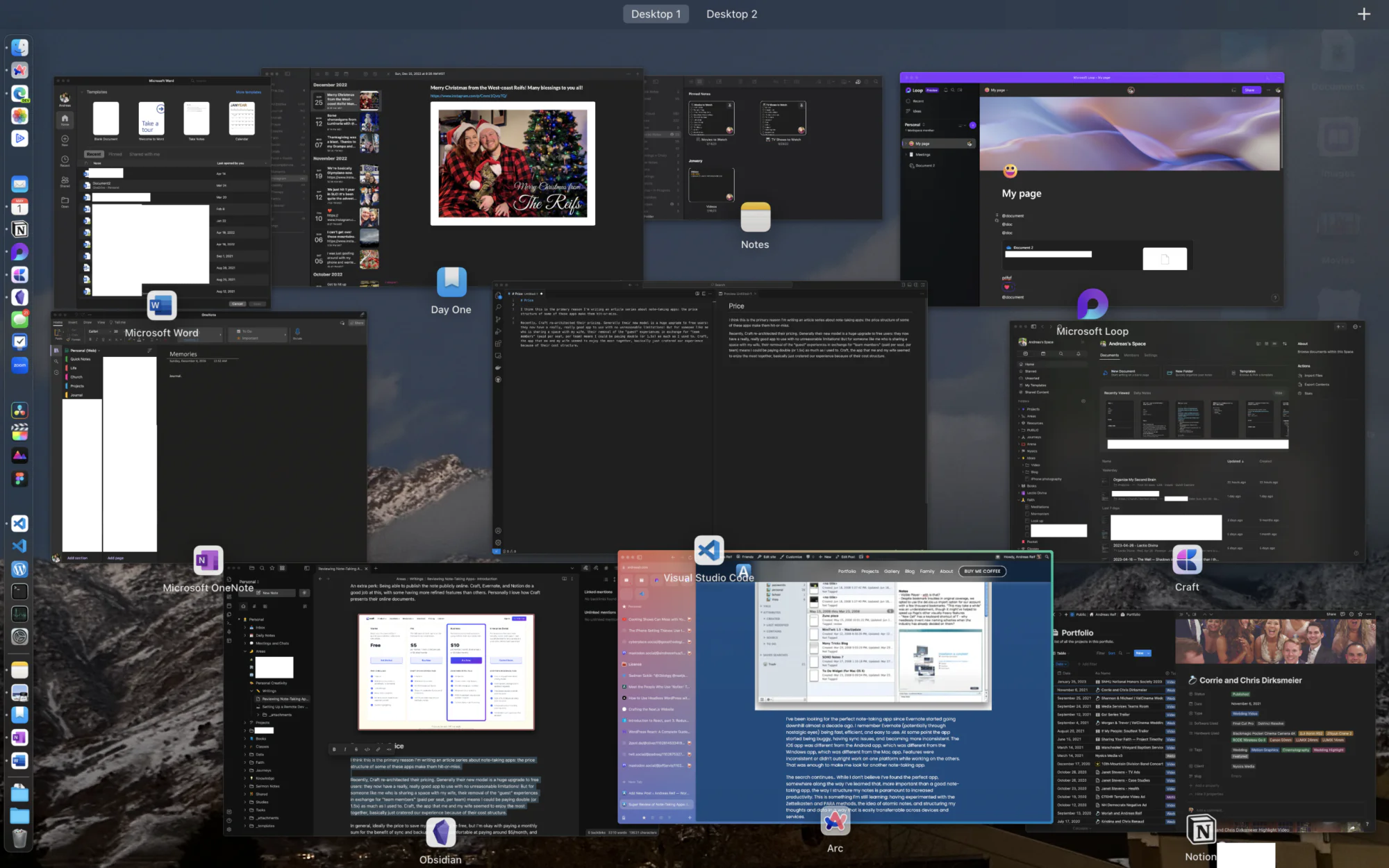
Note-Taking App Super Review: Introduction
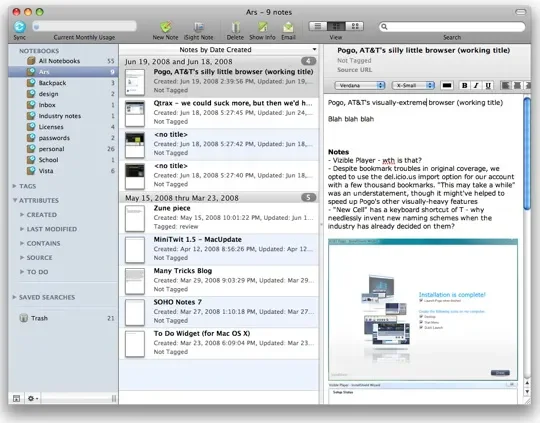
I’ve been looking for the perfect note-taking app since Evernote started going downhill almost a decade ago. I remember Evernote (potentially through nostalgic eyes) being fast, efficient, and easy to use. At some point the app started being buggy, having sync issues, and becoming more inconsistent. The iOS app was different from the Android app, which was different from the Windows app, which was different from the Mac app. Features were inconsistent or didn’t outright work on one platform while working on the others. That was enough to make me look for another note-taking app.
The search continues… While I don’t believe I’ve found the perfect note-taking app, somewhere along the way I’ve learned that, more important than a good note-taking app, the way I structure my notes is paramount to increased productivity. This is something I’m still learning: having experimented with the Zettelkasten and PARA methods, the idea of atomic notes, and structuring my thoughts and data in a way that is easily transferrable across devices and services.
One of the things that has come out of this search is a love for the Markdown document format. Its text-based foundation and simple syntax makes for a file that can stand the test of time and that almost any document editor can read. Thanks to Markdown, I can easily copy a note from Notion to my WordPress site. It’s great.
With all these different paths to go down, note taking methods to use, and document formats to embrace, I think I’ve finally come to know, at the least, what I am looking for in a note-taking app.
Note-taking Workflow
Let’s first start off with my workflow. It’s constantly shifting, especially when I discover other tools and apps that offer unique features that can potentially enhance data retrieval. Typically, however, I want my note-taking app to be flexible. It should be able to view data in different ways, and allow me to throw anything into it and at it.
When it comes to data, I love referencing websites. Sometimes I’ll stick a YouTube video in a note. I’ll quote a book. Sometimes I’ll sketch something out. Ideally, I can have these things all in one place, easily editable, and non-destructive.
However, I also value simplicity in my notes. My notes are laid out from top-to-bottom; an infinite canvas in every direction is a bit much. I only need basic formatting. And I want my notes to live in a place that makes sense.
When it comes to workflow, I aim to be as simple as possible. Otherwise I will get bogged down in the process and lose focus.
Note-taking Structure
In terms of structure, my notes are pieces of thought. Other thoughts can be connected together with a link, and thoughts should be complete and organized.
When it comes to finding a thought, the app I’m using (or even the system folder structure) should support excellent search. I love search; it helps me work faster. With search, I can be a little more loose in terms of tagging or linking; ideally, using the same keywords without any extra formatting should give a fuzzy view of how notes are connected.
If everything else fails and search is broken, the simplest and most basic level of organizing should help me find my notes in a folder or container that makes sense. I like the idea of silos: a silo for meetings, a silo for projects, a silo for that free online class I’m taking. The simplest form of this is a hierarchical folder format. However, some sort of system that can allow files to span silos would be excellent.
That’s the structure. Oh, and one more important thing to say about notes: I do not use them for task management. Notes contain information, tasks contain dates about when to act on information. I might list down action items in a meeting note, but I would then move those to Things or my calendar and schedule them. Tasks are different types of data that should have their own specific UI that allows users to surface dates and information in date-based views that make sense.
Ideal Note-taking App Features
With all that being said, below are a list of features I believe my ideal note-taking app should have. If my ideal app was found lacking in one of these areas, it would need to excel in one or many others in order for it to be worth it.
Fast Idea Capturing
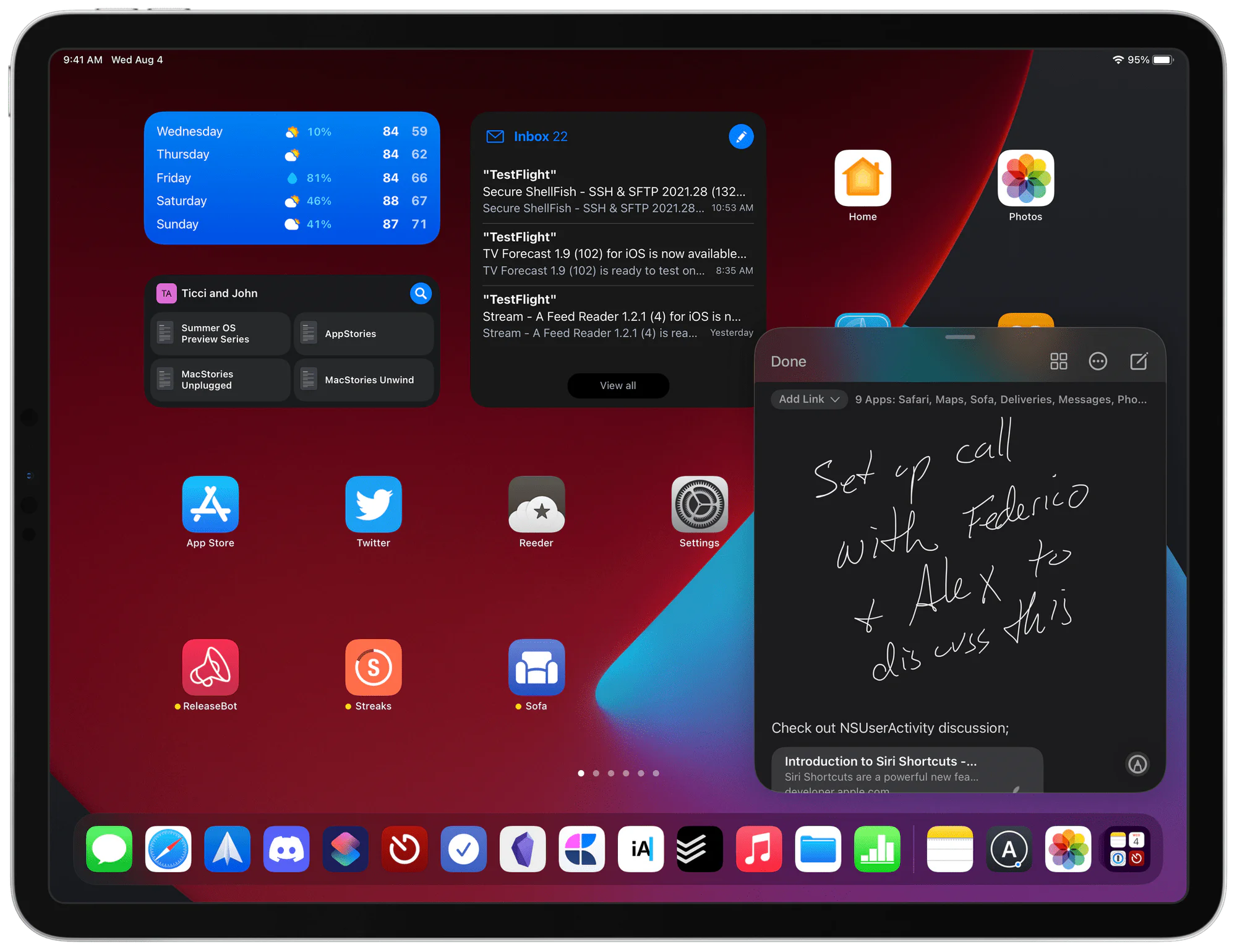
When I’m capturing an idea, I’m usually in another app on my computer, out in the world, or just generally doing something. When I have an idea, I generally try to keep it in my brain until I’m able to get it down onto something. Because of this, it is imperative that I am able to quickly capture the idea wherever I am or during whatever I’m doing.
This means that the app should be fast to open, have a minimal UI that doesn’t get in the way, and acts in a predictable manner. Other benefits would include having a UI where my quick captures could be easily surfaced later on, support templates, and offer a lot of quick gestures.
Some apps are notable for the lack of these features. For example, opening up Obsidian on my iPhone usually finds me waiting upwards of like 30 seconds as files sync down. Opening up Notion might throw me into a page, might throw me home, or it might throw me out (a.k.a I’ll have to sign in again). When I open Craft it’s not immediately clear which space I’m in. So, with all of these things battling for my attention, I’m already losing my idea (and my sanity) because I’m trying to find context to help my brain figure out where the heck I am!
Likewise, a solution like Apple Notes or Bear is simple, elegant, and fast. I open the app, hit the “plus” button, and start writing. These apps also spit my notes into a general feed sorted by recently modified, allowing me to see what I just wrote at a later time when I can process it.
Easy Note Organization
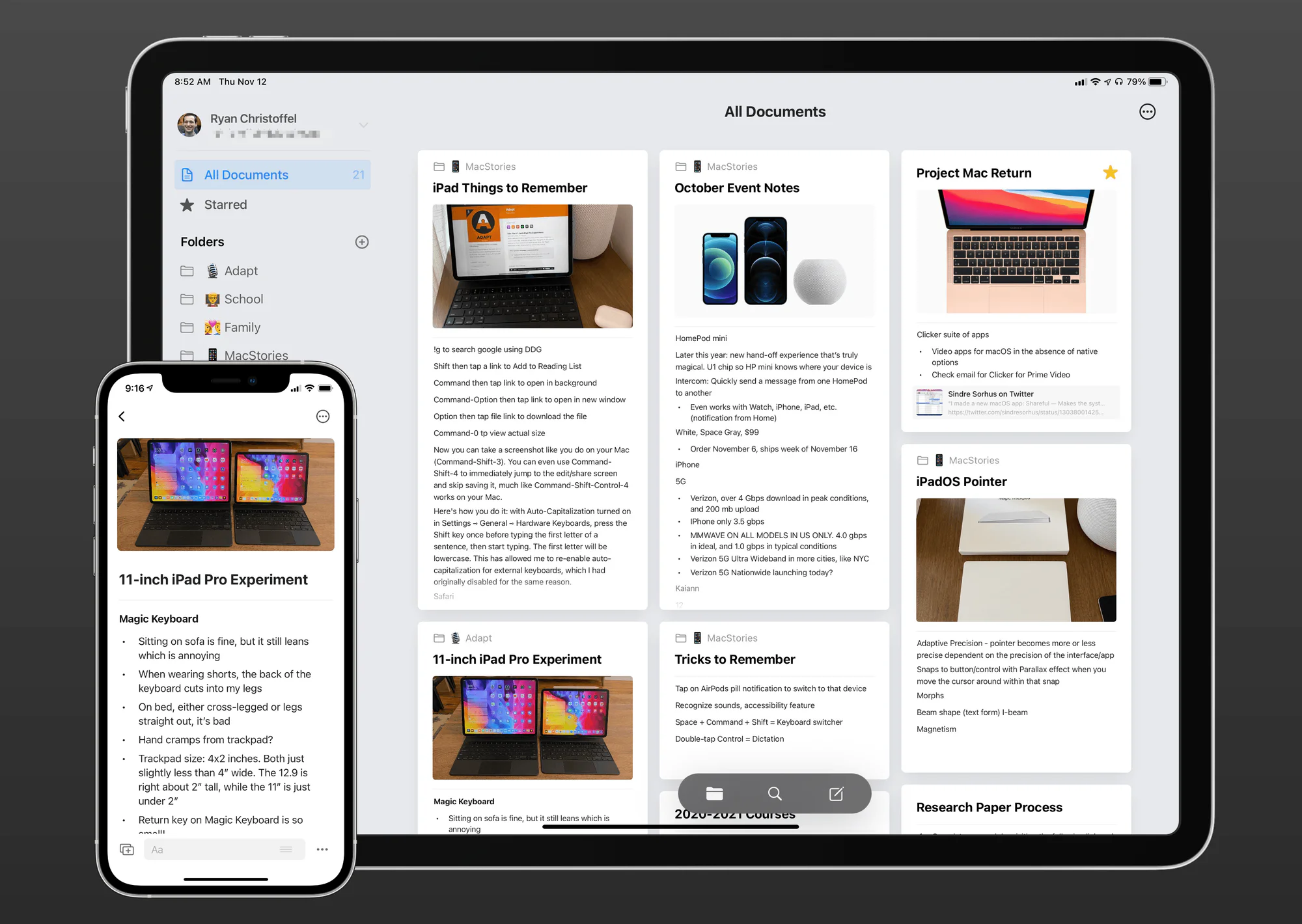
Of course, after capturing a note, the next important thing would be to organize my notes. A simple, flexible organizational structure is preferred. Ideally I would like something a little more flexible than OneNote (a system that holds notes inside of a section, which are inside notebooks), but more structured than Bear (a reverse chronological feed with tagged views).
The ability to link notes together and to create connections is another essential for me. I love data, I love trends, and I love being able to see how ideas link to each other. At the least, I would love to be able to have a folder of meetings and link a specific meeting to a note in my Projects folder. That way, if I’m looking for meetings, I can find the one I’m looking for and also see what projects are associated with it (because honestly, how many meetings are just about one project?). Similarly within a project: I want to open up my project note and see what meetings I’ve had regarding that project.
I’ll save the rest for the review, but Apple Notes would be the perfect solution for me if I were able to link notes. But I am not, and Apple Notes isn’t.
Finally, good search, quick switching, and OCR are imperative. I want to be able to throw a query into a search box (preferably with a keyboard shortcut) and get a list of suggested notes back, fast.
Mobile Notes As A Priority
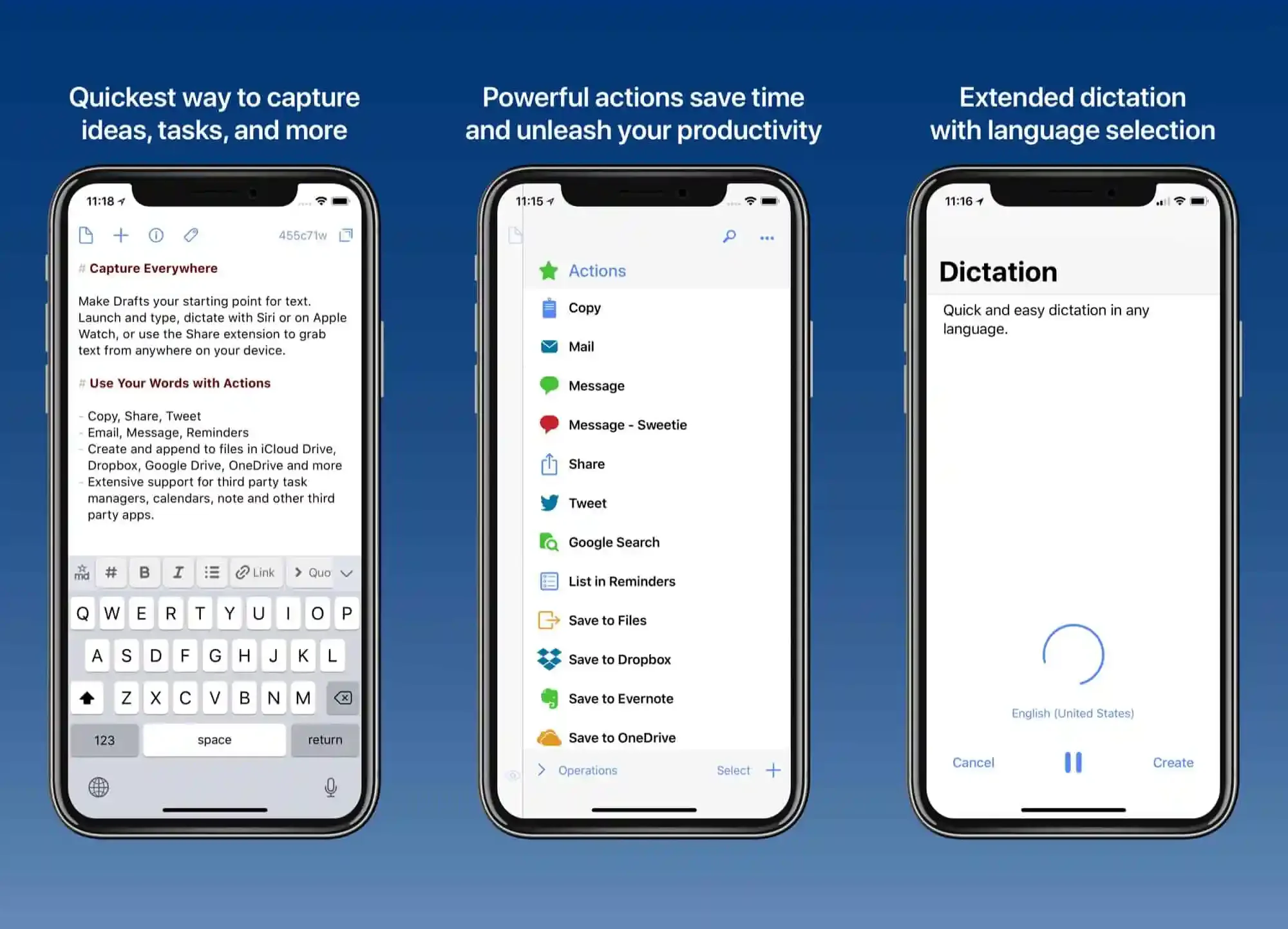
These note-taking apps should have mobile devices as a development priority. This means having similar editing features as their desktop counterparts, optimizing the app for the small screen, using gestures, and being able to stay in sync even when the app isn’t open. The goal is to remove friction when it comes to inputting ideas from my head into my most accessible device.
Also, iPad support! Listen, I want to live in this seemingly hard-to-reach future where I can just do everything on my iPad. And for the most part, text editing on an iPad is a solved problem. Just… it isn’t with some of these note-taking solutions. Some apps don’t have keyboard shortcut support. Or put an iPhone-sized UI on an iPad. Or are less powerful than their Mac alternatives (which is just inexcusable, especially since I can run full DaVinci Resolve on my iPad).
No matter the device, a native app would be preferred, since that usually means it will perform faster, be more reliable, and have awesome system-level integrations such as home screen widgets, lock screen widgets, and integration into the Share sheet.
Consistent Note Editing Experience
Writing notes is up there with capturing and organization in terms of importance. After all, if I can’t effectively edit my thoughts, what’s the point?
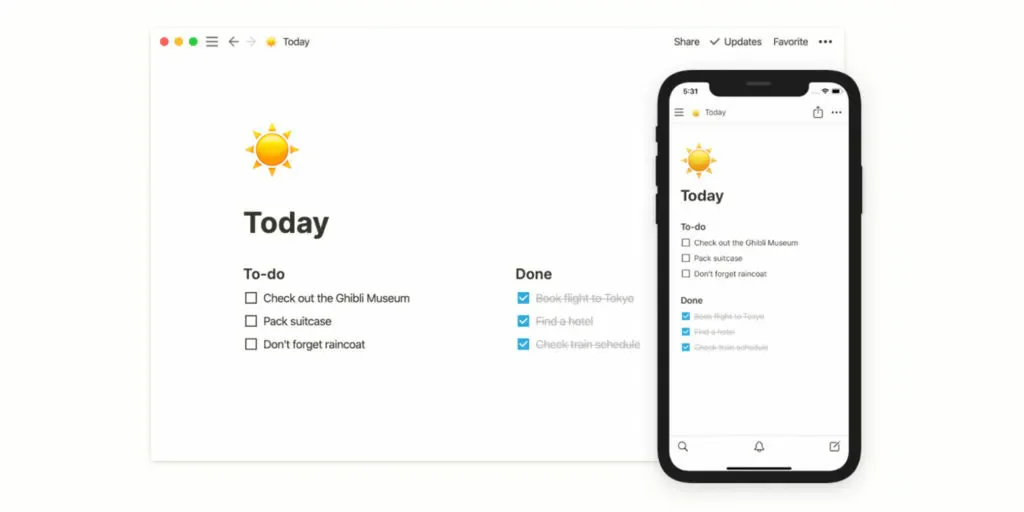
When it comes to taking notes, I like to style them as I go. This helps me create visual hierarchy as I type, and allows me to mark items with colors or formatting to help make important information pop out for later.
This was, and still seems to be, Evernote’s achilles heel. Formatting and layout still seem to be different across devices, and, as we’ll get into later, their formatting seems to use HTML (or something similar to Microsoft Word), so there’s no telling what formatting is hard-coded into the note.
Back in 2017, this is why I was originally drawn to Notion: Their mobile app seemed to have all the same formatting features that their desktop app had, and it was clean. OneNote did not, and still does not, have support for headings on iPhone, a crucial feature I use all the time. Unfortunately, Notion has also began to make some of its functionality desktop-only (such as creating a Team Space), which makes it impossible to use with just a phone or a tablet.
Okay. Also. Keyboard shortcuts are essential. A “command palette” is also cool. As long as I can keep my hands on the keyboard to navigate around the UI, I’m a happy camper. The same applies to gestures when I’m on mobile.
Markdown Support
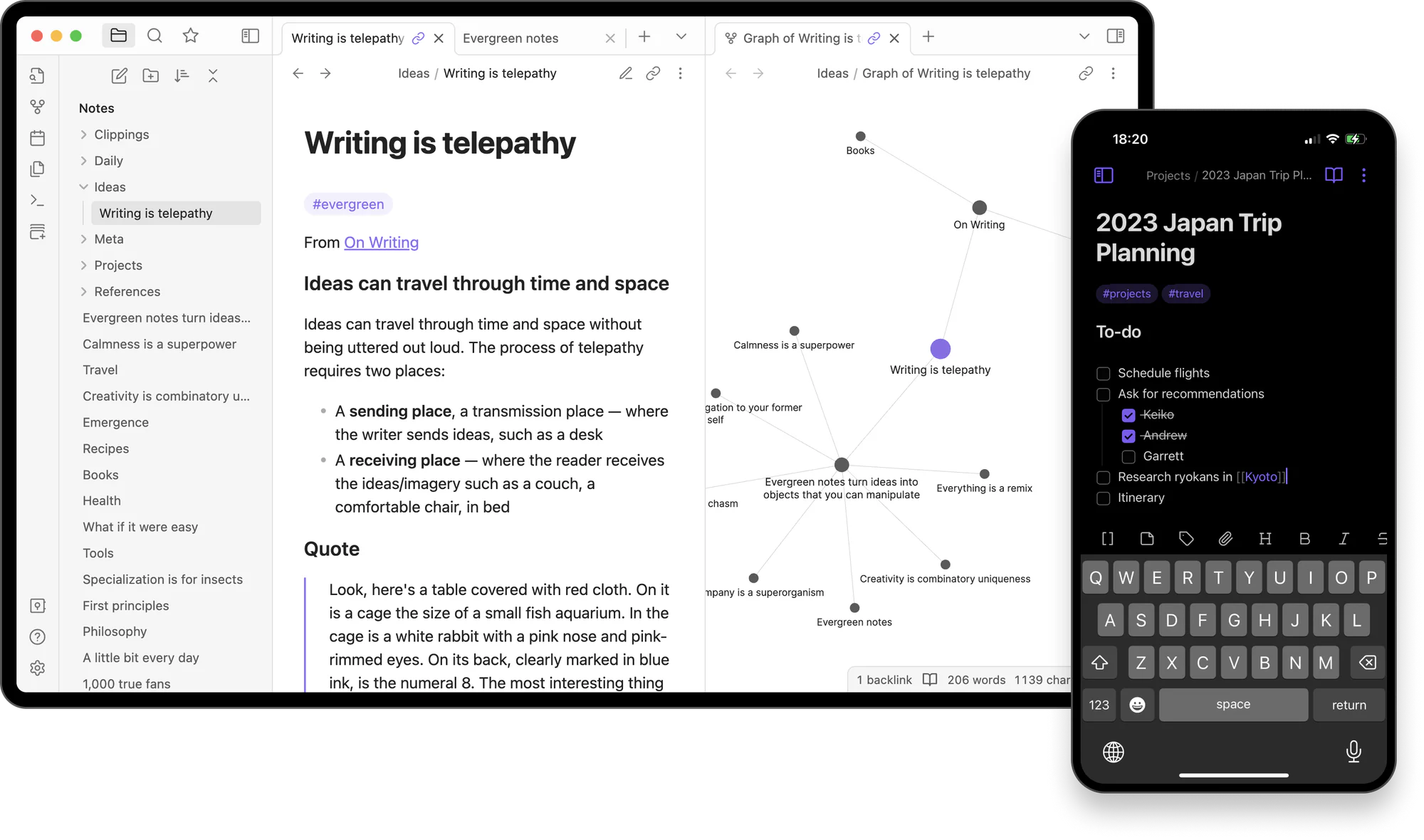
Mentioned briefly above, I would love for my note-taking app to have support for Markdown. Preferable I can still use shortcuts like CMD+B for making text bold, or have the markdown syntax hidden while editing, but in general I would prefer all my notes have this standard markup syntax.
The benefits to Markdown are numerous: data portability, ease of reading, simple to learn and use… but most importantly, for me, is that other, more legacy, document writers or experiences (typically in the Microsoft or Google camps) tend to junk up content with syntax. Especially when it comes to fonts.
Listen. I’m writing a note. I could not care less what sans-serif font my document is using. Let me bold, italicize, and maybe even color text. But I don’t need the option to set a different font for every single letter. Knowing that solutions like Word and Evernote (and maybe Apple Notes) are out there using custom styling and structures to handle fonts, sizes, line spacing, and other customizations on a letter-by-letter basis bogs my mind down.
How many times have you pasted something into an email, and now the second half of your email looks different than the first half? That’s what I want to avoid. I know that you can paste without formatting, but not always (especially on mobile), and I would prefer to eliminate that possibility altogether.
I feel Markdown solves all of these issues. At least to my mind, it feels like it’s a lighter experience, and it translates well to other apps. After all, what’s lighter than plain-text? Plain-text is the best text.
Portable Notes and Data
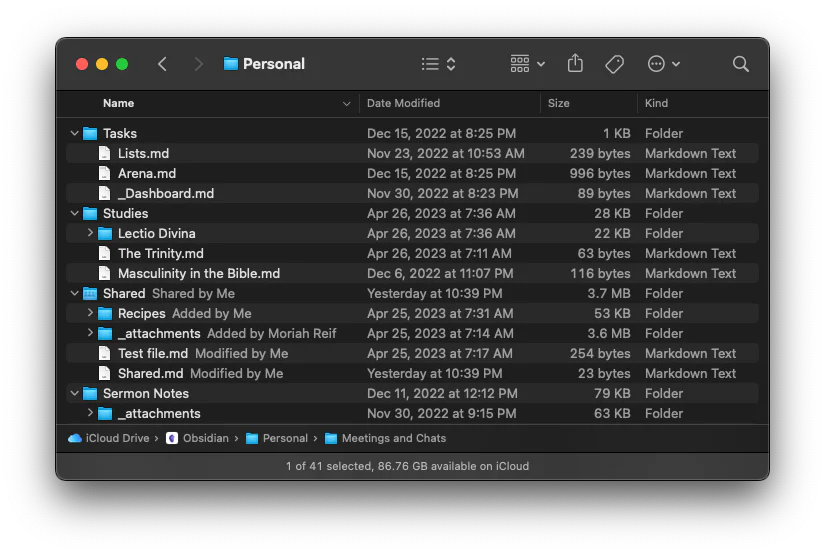
They’re my notes, it’s my data. I should be able to move my data to-and-fro without any hiccups. Please no proprietary formatting… especially if the documents are saved as Markdown, portability should be easy-peasy.
Please keep my note-to-note links. Keeping my “date created” would also be nice. All the ways I’ve customized my notes should be portable, somehow. As spec’ed out above, I’m not asking for a lot of customization here.
Ultimately: If I cannot export my data from your system, and import my data back into the same system, AND have my imports look the same as when they were exported, you have failed. So much software drops the ball HARD in this area. I’m looking at you, Google Photos.
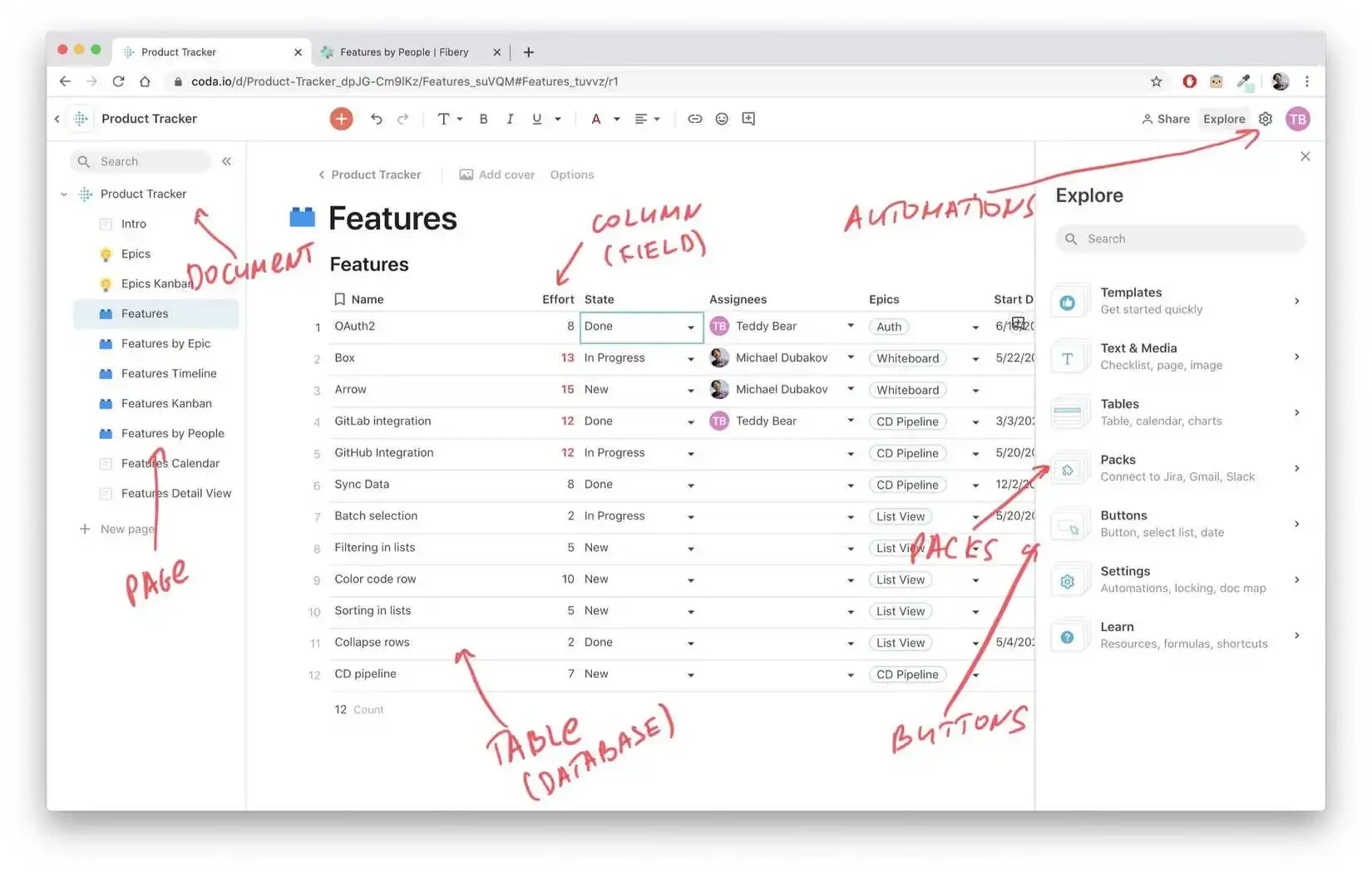
External Data Connections
…mostly, files. But also Google Drive and other integrations.
I was going to put this section in the “nice to haves,” but I realized that I do put a lot documents, images, links, and PDFs into my notes. Typically as reference, usually as a way to let OCR do its magic so that finding a document and related notes is easy. So yeah, good support for links, embeds, attachments, and OCR would be great.
Sharing and Collaboration
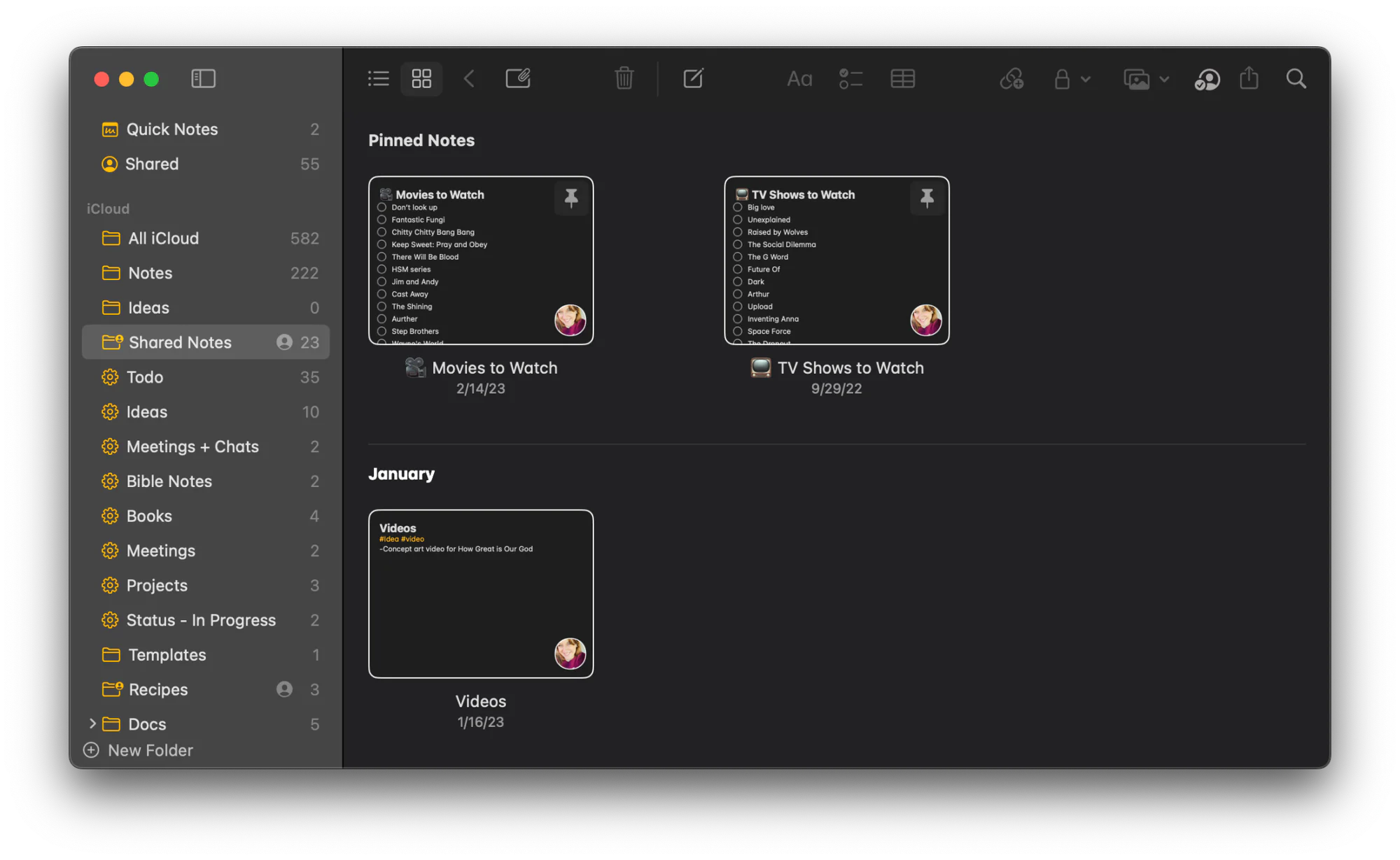
This is a surprisingly hard area for the majority of note-taking apps to occupy: collaboration. These are text files with attachments. Why do some solutions, like Bear, Obsidian, and SimpleNote make it impossible to collaborate on not just a folder of notes, but even just one note? Or others, like (eh hem) OneNote or Craft, make it so you can only share a ‘space’ of notes for collaboration?
I also want to be clear, here: all these apps allow you to share a note. Typically, it’s a copy of the note. What I’m talking about is collaboration, the ability to work on notes with, say, a spouse.
I know there are workarounds and some solutions for something like Obsidian. I know you can collaborate on a note in Keep. There are a few solutions that do an excellent job at this, like Apple Notes and Notion. I think Microsoft Loop might be up there too. It’s been a while but I think Evernote did this well.
An extra perk: Being able to publish the note publicly online. Craft, Evernote, and Notion do a good job at this, with some having more refined features than others. Personally I love how Craft presents their online documents.
Reasonable Price
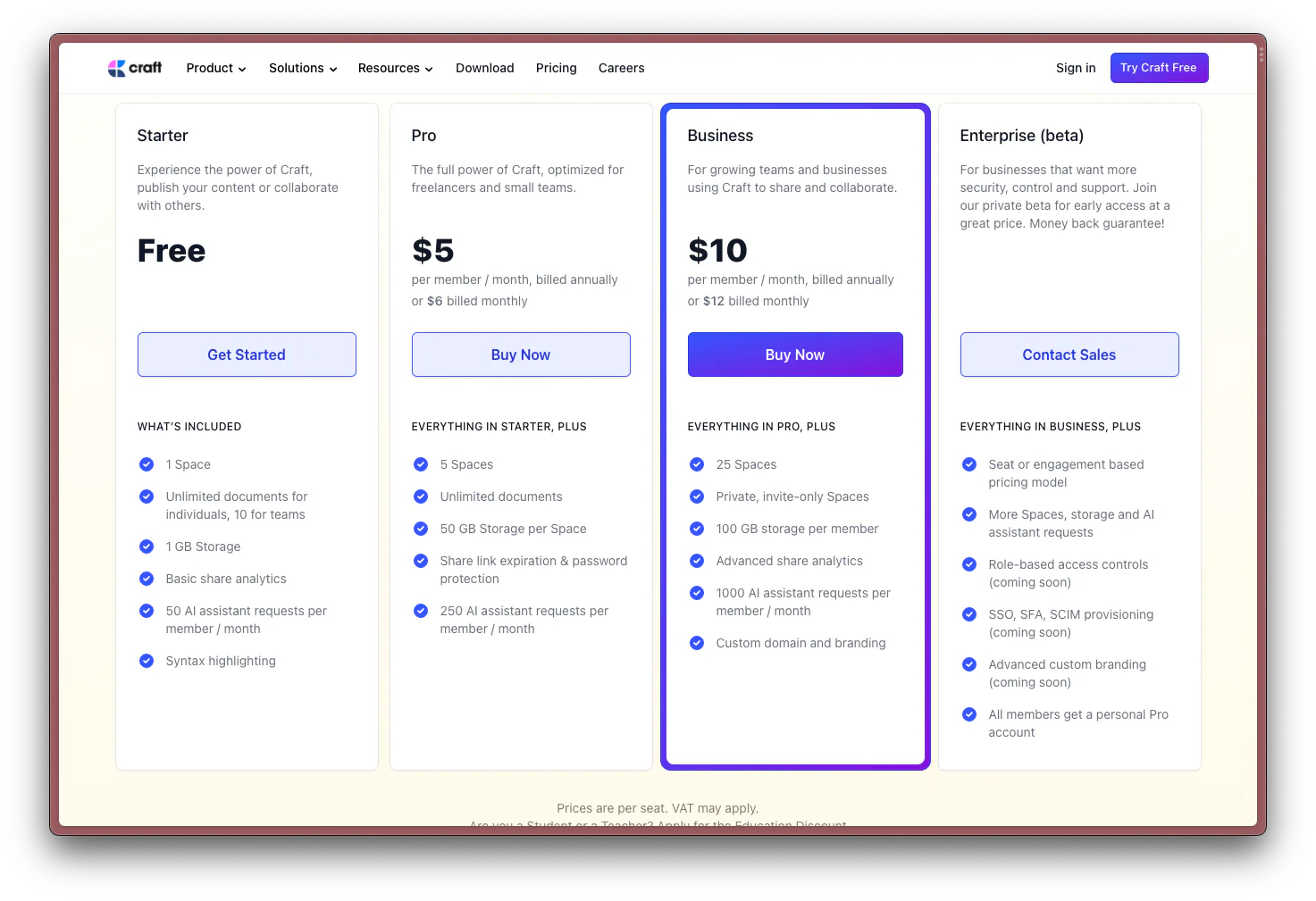
I think this is the primary reason I’m writing an article series about note-taking apps: the price structure of some of these apps make them hit-or-miss.
Recently, Craft re-architected their pricing. Generally their new model is a huge upgrade to free users: they now have a really, really good app to use with no unreasonable limitations! But for someone like me who is sharing a space with my wife, their removal of the “guest” experiences in exchange for “team members” (paid per seat, per team) means I could be paying double (or 1.5x) as much as I used to. Craft, the app that me and my wife seemed to enjoy the most together, basically just cratered our experience because of their cost structure.
In general, ideally the price to save my notes would be free, but I’m okay with paying a monthly sum for the benefit of sync and backup. I’m most comfortable at paying around $5/month, and $12/month would be stretching it. The simpler your app, the cheaper it should be (like in Bear’s case). Ideally the app would also take advantage of Apple’s family sharing. It’s just me and my wife (and let’s be honest, it’s mostly just me), so I don’t think I should have to pay crazy money.
Nice-to-Haves
Finally, these features would be nice but are not necessary:
Notion Features
The embed support Notion has is just… awesome. It’s something I wish were in apps like Craft and Obsidian. Being able to stick a YouTube video, Google Doc, or Figma design in my note and have it display inline is just so cool. It really helps integrate the experience and build a “one source of truth”.
Table support is nice! Again, Notion does this well, with both its simple tables and its databases. I love me a good database, and it’s nice to not have to pop out to Excel or Airtable (though it’s not a problem if I have to).
Still looking at Notion, the idea of block-based-editing is incredible. Hitting CMD+A to select everything in “just a block” is perfect. It makes it easier to manage content, and my brain can get behind the “styles” just affecting a single piece of content. Moving and managing content is a lot easier that way too. A close second in terms of experience is something that editors like Obsidian and VSCode do, which is the ability to move items line-by-line. Anything here is better than the traditional, Microsoft Word and Google Docs-based, way of moving bullet lists, for example. Give me drag handles or keyboard shortcuts, please!
Extensibility and Flexibility
Rich API support would be great, too. Even if it’s just support for the Apple Shortcuts app, being able to automate any sort of data management or link apps is super nice! Raycast support would also be a nice-to-have. Ultimately, however, this is not a need, and ideally a good note-taking app would have a good enough out-of-the-box experience.
Being able to view my notes on the web is cool for those times I’m using a Windows computer, but since I’m firmly planted in the Apple Ecosystem, a native app will do just fine. Also, a native app is preferred to a web view.
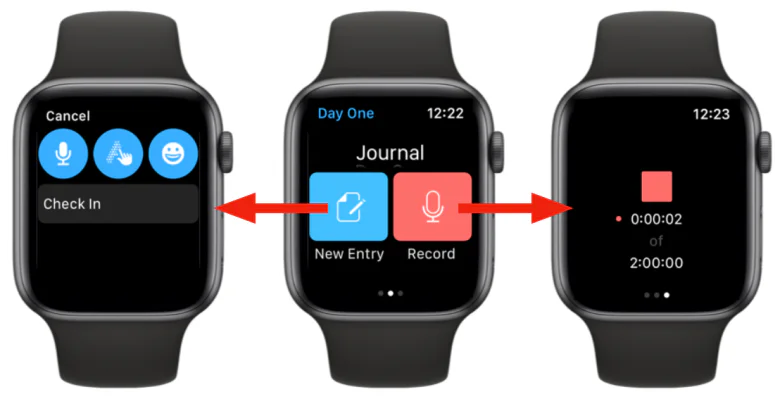
I love the idea of taking notes on the go with my Apple Watch. I’ve never had a good experience doing that, and it’s always faster to pull out my phone, but I can dream!
Organization and Input-types
Tags. Tags! I like the idea of tagging things. Though, outside of DayOne, I haven’t found a good method for tagging. It’s also usually inconsistent across services (Bear, Obsidian, OneNote) or non-existent in others (Notion or Craft). At this point I don’t know what I would do with tags (especially if the app has support for note linking), but as an idea it’s cool. Tags.
Finally, the ability to hand-write notes on my iPad and to have them searchable, editable, and contextualized. Obviously Apple Notes nails this experience. It would be nice for other apps to have it too!
What’s Next
Based on the stipulations above, I’m going to spend some of my free time re-evaluating the note-taking apps I’ve used and will publish some reviews based on my findings.
Ultimately though, we know that this is just a cover for me to keep me from being productive in other areas of life